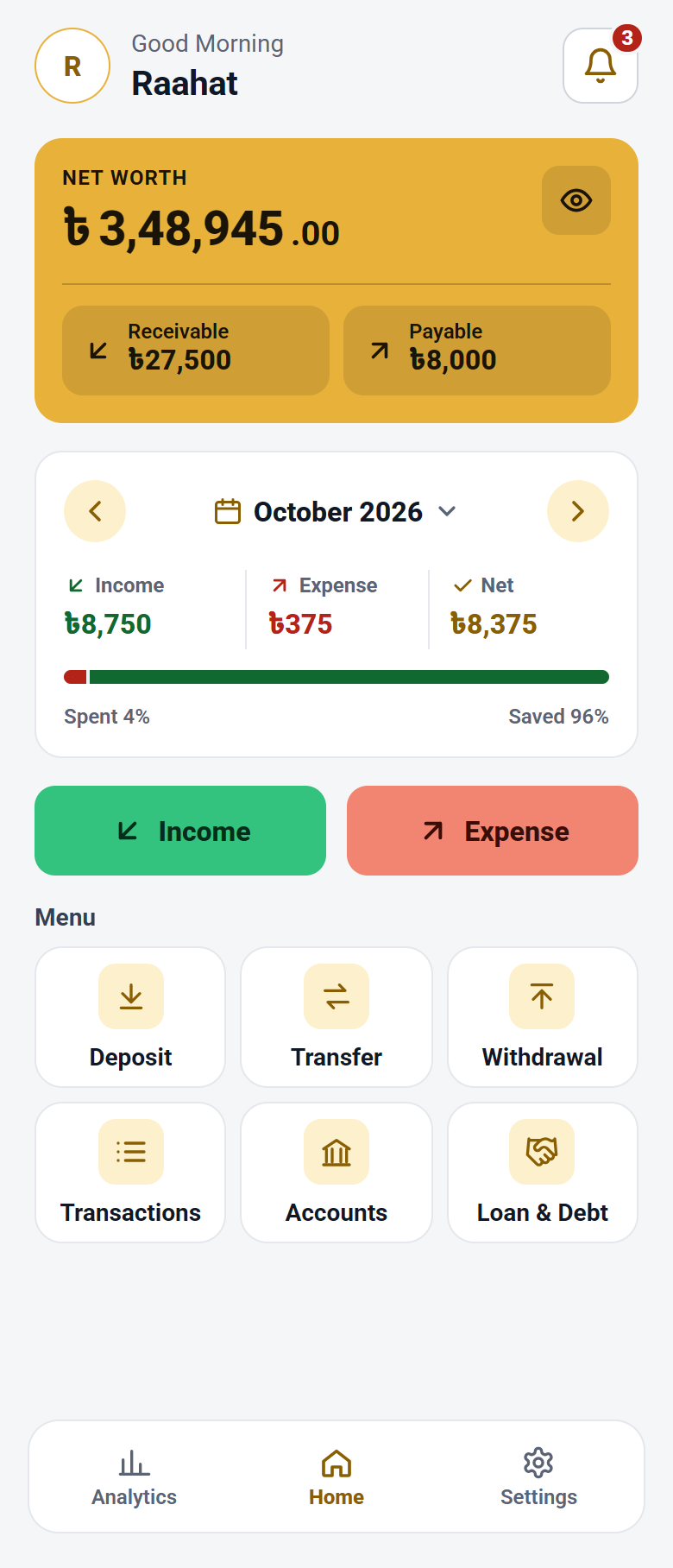
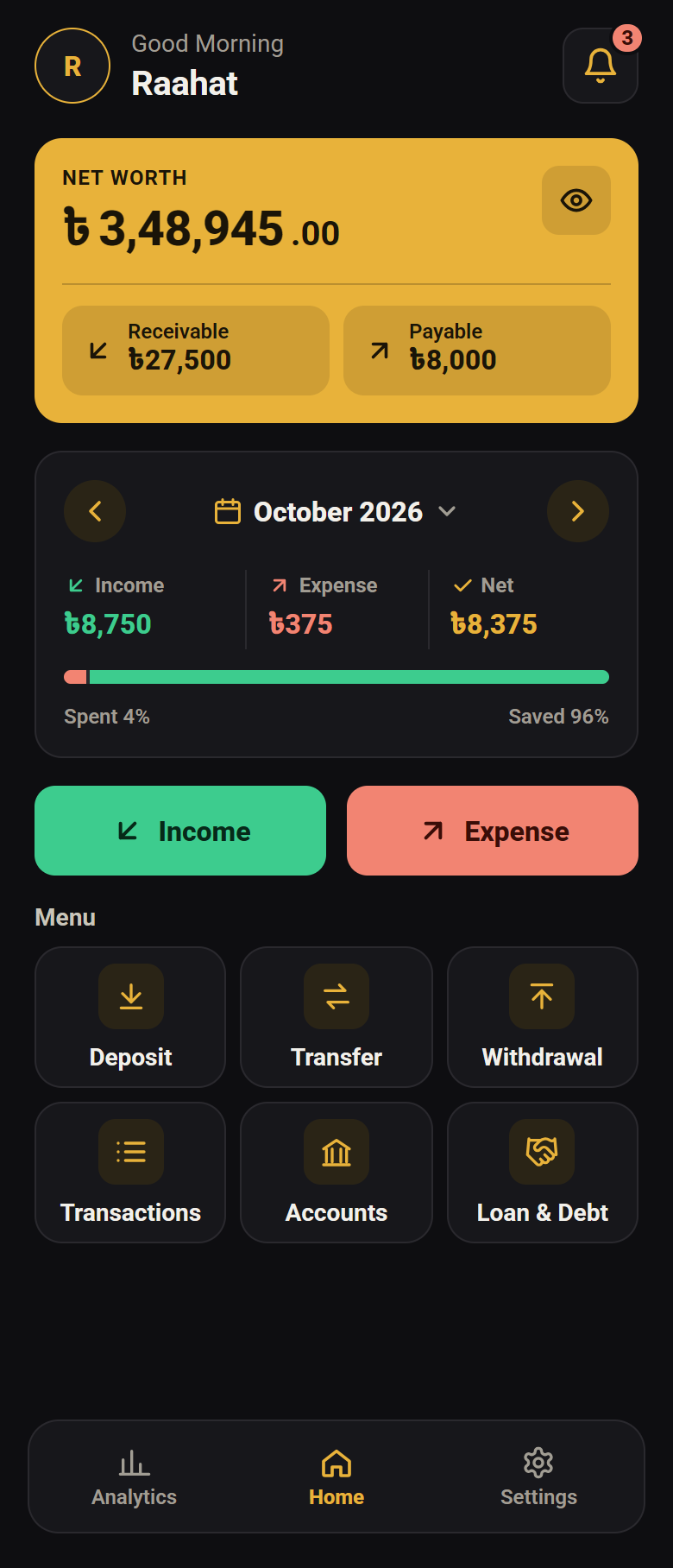
Hold this screen up to the other phone’s camera. The newest version downloads there straight away.
0
servers of ours for an entry to go to
2
files that touch the internet, both for updates
3
permissions, each with a single job
—
the whole app, Android 7.0 and upthe whole app
Why this one
Private by design, correct by design
Where your data goes, whether the totals hold, and whether it needs a network at all.
It has nowhere to send your money data
The app has no server, so your entries have nowhere to go. It uses the internet for one thing only: checking for a new version and downloading it. Android’s own backup is separate — the privacy page says what it carries.
Every amount is written twice
Real double-entry, the way an accountant keeps books: money leaving one place always arrives somewhere. The Trial Balance page shows the two sides agreeing, so a wrong total is caught instead of carried.
It works with the phone in flight mode
Nothing waits on a network. The ledger is encrypted on the phone, backups are files you keep yourself — with a password if you choose one — and the app locks behind a PIN or your fingerprint.
Features
Everything it does, at a glance
Double-entry journal
Every entry has a debit and a matching credit.A debit and a matching credit, every time.
Trial Balance
See both sides agree, so a wrong total is caught.Both sides agree, or you see it.
Loan tracking
Who owes what, one card for each mobile number.Who owes what, by mobile number.
Due-date reminders
When a loan falls due, a DPS instalment is near or a deposit matures.
Backups, your password
Backup files you keep, with a password if you want one.Your files, your password.
PIN & fingerprint lockPIN & fingerprint
A PIN or your fingerprint, locking again a minute after you leave.Locks again when you leave.
In-app updates
Checks for a new version, downloads and installs it.Checks, downloads, installs.
FDR & DPS
Term deposits with profit, tax and maturity worked out.Profit, tax and maturity.
How to install
Why it is not on the Play Store
It is published here instead, as a file you download and install yourself. Your phone will warn you about that, because a phone cannot tell one unknown file from another. What it can tell you is whether the file is exactly the one published — every release carries a SHA-256 fingerprint, and the install guide shows how to check it.
Only to check for a newer version, and to download it when you say yes.
Notifications
To remind you when a loan is due, a DPS instalment is near or a deposit matures, and to tell you about updates and backups.
Install apps
To install the update it downloaded for you.
Questions
Before you install
My phone warned me. Is it safe?
Android shows that warning for every app that does not come from the Play Store, because it cannot tell one unknown file from another. Play Protect then scans this one and says it looks safe. To be sure the file is exactly the one published, the install guide shows how to check its SHA-256 fingerprint.
Does it cost anything?
No. It is free, with no ads and no account to open.
What if I change or lose my phone?
Your ledger is encrypted on this phone, so it does not move to a new one on its own. Before you change phones, save a backup file from the app’s Backup page — with a password, if you like. On the new phone, install the app, set a PIN, then restore the file from the Backup page. Keep a copy of that file off the phone too, in case the phone is lost.
Does it need the internet?
No. Everything works offline. It goes online only to check for a newer version, and to download it when you say yes.
Is there an iPhone version?
No. It is for Android only, version 7.0 and up.
How do I get updates?
The app tells you when a new version is out, downloads it when you say yes, and installs it. You do not need to come back to this page.